
Start and stop your server
The power buttons are at the top of the Console page. The dashboard has the same buttons on each server.
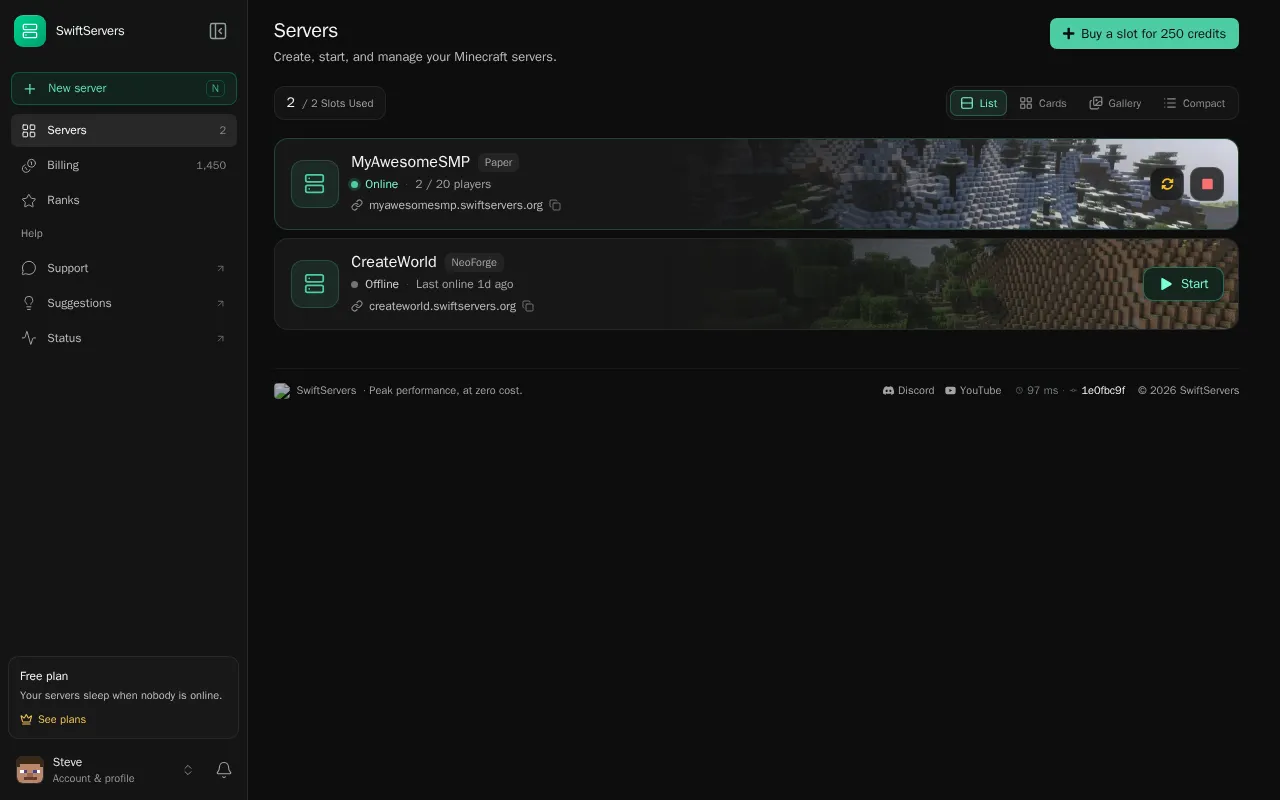
| Button | What it does |
|---|---|
| Start | Starts the server. If its node is busy, the start waits in the startup queue first. |
| Restart | Stops the server and starts it again. Players on it disconnect for a moment. |
| Stop | Shuts the server down safely, so worlds and player data save. |
| Force stop | Appears when you click Stop a second time. It kills the server at once. Use it only when a stop is stuck, because unsaved world changes are lost. |
| Restore & start | Appears on a hibernated server. It brings the files back from the archive, then starts it. |
Waiting in the startup queue
Section titled “Waiting in the startup queue”When you click Start, the console may show Waiting in startup queue and a place in line. The queue makes sure each node has enough memory and CPU before another server boots, so servers that are already running don’t lag.
Your place is reserved while you wait. You can leave the page. To give up the start, click Abort start on the console or Cancel start on the dashboard.
Paid plans start before free servers, and a lobby rank gives a free server a head start. See the startup queue for how the order works.
Why your server went offline
Section titled “Why your server went offline”Most of the time, an offline server went to sleep because it was empty:
- Free servers sleep after 5 minutes with nobody online.
- Paid plans sleep after 10 minutes with nobody online.
- 24/7 servers never sleep.
Nothing is lost when a server sleeps. To wake it, join its address, start it in the panel, or run /join <name> in the lobby.
Only real players count as “online”. Bots, status pings and plugins that fake activity don’t keep a server awake.
If the server stopped while people were playing, it probably crashed. The console shows Why did it stop? with the reason. See my server won’t start or keeps crashing.
Restarting two servers at once
Section titled “Restarting two servers at once”Each account can have one restart in progress at a time. If you restart a second server before the first is back up, the panel tells you which server is still restarting. Wait for it to come online, then try again. Starting an offline server doesn’t count as a restart.
Long breaks
Section titled “Long breaks”A free server that stays offline for 7 days is hibernated: its files are packed into an archive to free up space. A free server that isn’t started for 30 days is deleted. The panel and your email warn you before that happens. Paid servers are never hibernated or deleted for being idle. See sleep, hibernation and deletion.